
Block out the weeks before your exams.
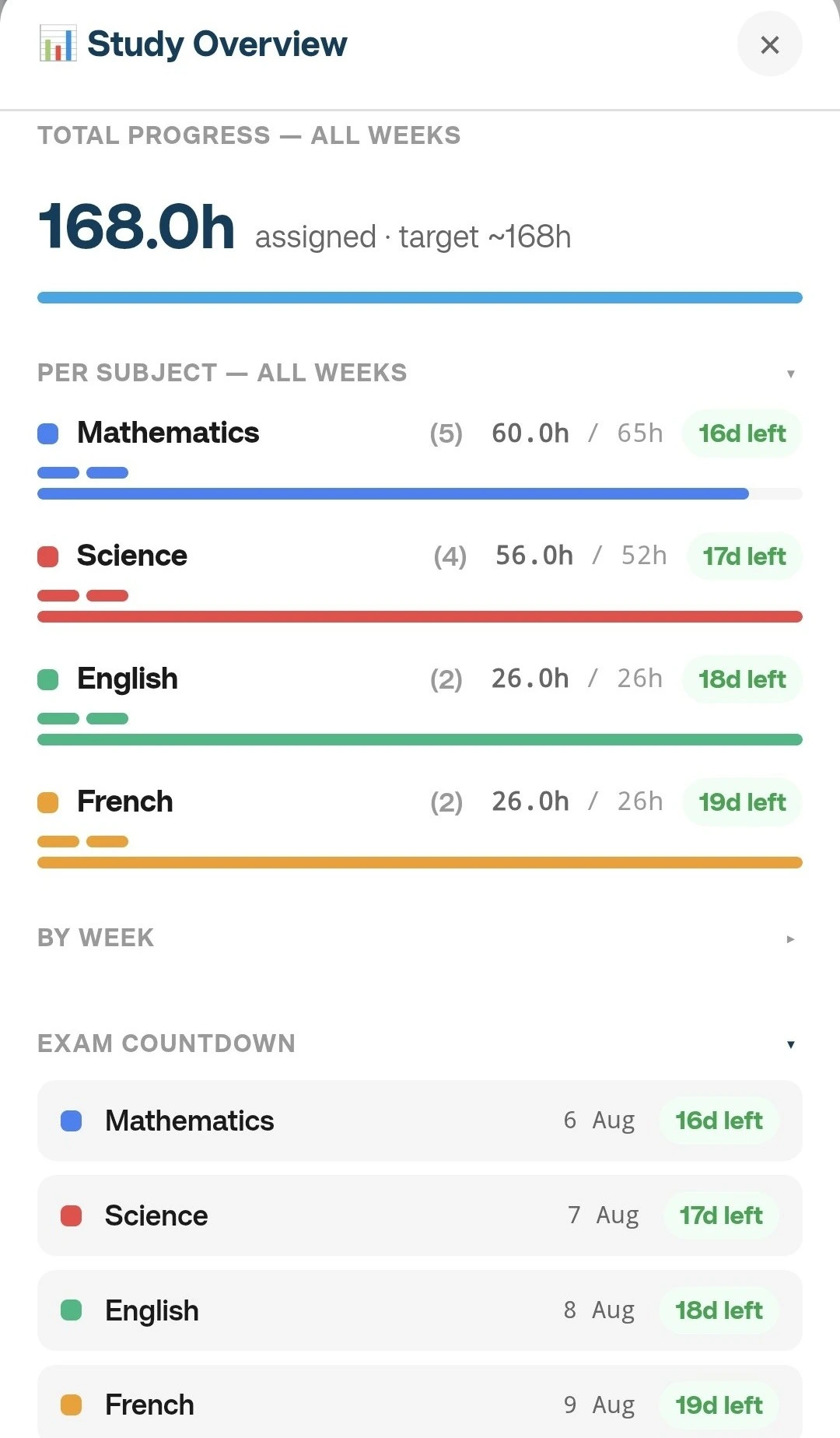
Set your dates, subjects and study hours. Then build your timetable by hand, or let AI Fill place every subject around your exam dates and weightage — smart scheduling you can still adjust, add notes to, and print. Then track every session you finish with the daily study check-in.
Made one already? Hard-refresh with Ctrl+F5 (Windows) or Cmd+Shift+R (Mac) to clear a stale cache.
A look inside
Let's set up your study plan
Give your plan a name and tell us how long you want to study
Configure your study hours
Define when you typically study each day
Daily Study Hours
Set your available hours — the full day window when you could study (e.g., 9 AM to 11 PM). Next, configure your school/work hours (e.g., 8 AM to 4 PM). The app calculates actual study hours by subtracting school time, breaks, and activities from this window.
Preferred Study Block Duration
How long do you prefer to study in one session?
Short, focused sessions
Not available for study windows over 12 hours/day
Balanced study sessions
Deep dive sessions
Add your subjects
Enter all subjects you want to include in your study plan
Assign Subject Weightage
Rate each subject's importance from 1-5 to optimize your study time allocation
Configuration Summary
✓ Configuration Complete!
Your study plan configuration is ready. Choose what to do next:
Subject Weightage:
Note: Configuration is auto-saved. You can download it anytime.
Set Up Your Weekly Routine
Everything you configure here will pre-fill your schedule automatically — school hours, breaks, and activities will appear as fixed blocks on every relevant day. You'll still be able to adjust individual days after the schedule is generated.
School / Work Hours
Enable days that apply to you. Weekends are off by default.
Daily Breaks
Applied every day. Breaks that fall entirely within school hours are automatically excluded from study time calculations — no double-counting.
Regular Activities
Sports, clubs, tutoring — choose a specific day (Mon–Sun)
Skip Blocks
One-off unavailable times — any day including weekends
Choose Your Scheduling Method
Select how you'd like to create your study schedule
Don't worry! You can try different methods and regenerate as many times as you want. Each method can be tweaked manually afterwards.